Meet Plumsense at IAAPA Expo 2026 · Booth W2282 · Orlando, FL · Nov 17–20, 2026
 Visit us at www.plumsense.com


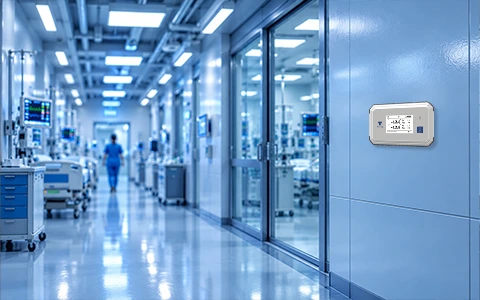
Hospitals need stable temperature conditions to protect medicines, vaccines, blood products, laboratory samples, food and sensitive equipment. A small temperature change can affect product quality, patient safety and compliance records.
Many hospitals still depend on staff members to check temperatures and write readings on paper or enter them into spreadsheets. This process takes time and can lead to missed readings, incomplete records or delayed action.
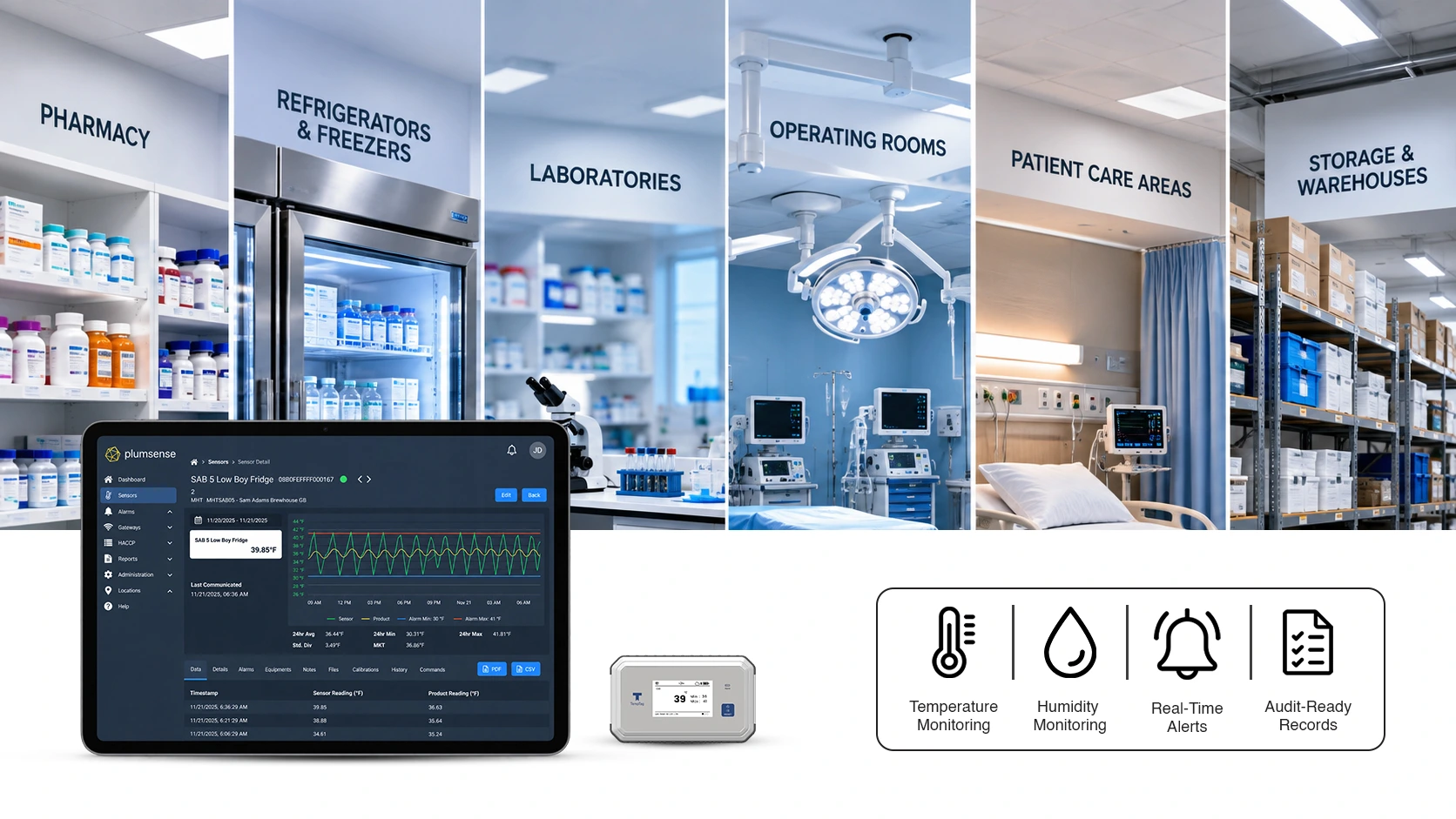
An automated healthcare temperature monitoring system gives hospitals a better way to track important areas and assets. Wireless sensors collect temperature data throughout the day, store the readings, and alert staff when conditions move outside the approved range.
This guide explains how automated hospital temperature monitoring works, what should be monitored, and how hospitals can choose the right system.
How Does Automated Temperature Monitoring Work in Hospitals
An automated temperature monitoring system uses sensors placed inside refrigerators, freezers, storage rooms and other controlled areas.
These sensors measure temperature at regular intervals and send the readings to a central platform. Staff can then review current conditions, records and alerts from a computer, tablet or phone.
A typical system includes:
- Wireless temperature sensors
- Gateways or receivers
- A cloud-based monitoring platform
- Email, text or app alerts
- Digital temperature records
- Reports for audits and inspections
When a temperature moves outside the approved limit, the system sends an alert to the assigned team. This allows staff to check the area quickly and take corrective action before products are damaged.
Unlike manual checks, automated monitoring continues during nights, weekends, and holidays.
What Hospital Assets and Environments Should Be Monitored
Hospitals have many areas where temperature can affect safety, quality or compliance. The monitoring setup should be based on the products stored and the risks involved.
Common areas include:
Pharmacy Refrigerators and Freezers
Hospital pharmacies store medicines, vaccines and other temperature-sensitive products. These items may become unsafe or less effective if they are exposed to the wrong temperature.
Continuous pharmacy temperature monitoring helps teams detect temperature problems early and maintain complete records.
Vaccine Storage Units
A vaccine cold chain monitoring system can track conditions continuously and alert staff when a refrigerator door is left open, equipment fails, or the temperature changes unexpectedly.
Blood Banks
Blood and blood products require controlled storage conditions. Automated monitoring helps blood bank teams track refrigerators, freezers and storage areas without depending only on manual temperature logs.
Laboratories
Hospital laboratories store samples, test materials, and reagents that may be affected by temperature changes. Monitoring these areas helps protect valuable samples and supports accurate testing.
Operating Rooms and Procedure Areas
Some operating rooms and treatment areas require controlled environmental conditions. Monitoring temperature and humidity can help hospitals maintain a stable setting for staff, patients, and equipment.
Food Storage Areas
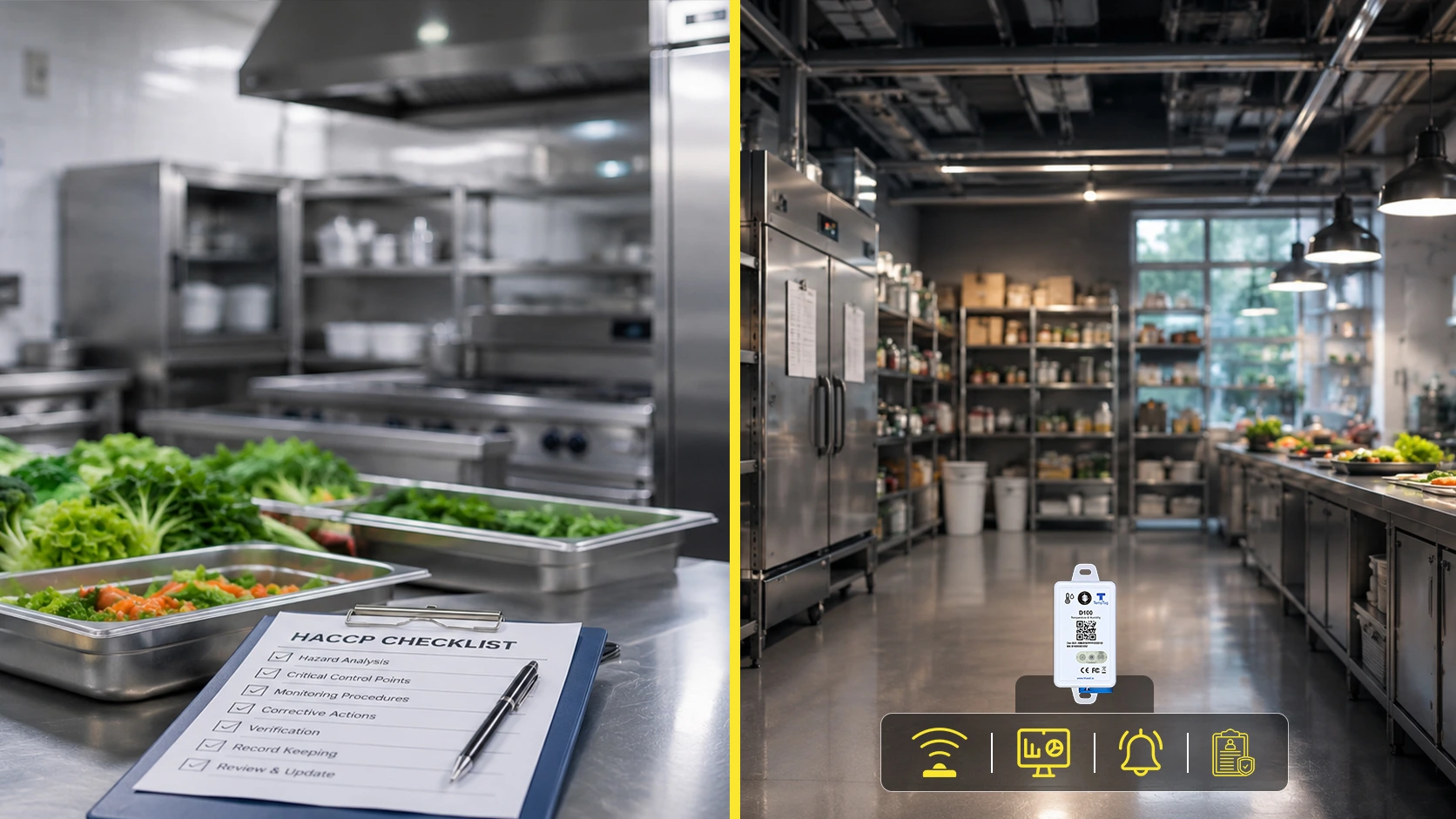
Hospital kitchens, walk-in coolers and freezers also need regular monitoring. Automated records can support food safety programmes and reduce the risk of spoiled food.
Medicine and Supply Storage Rooms
Some medical products are stored at room temperature but still need protection from excessive heat or cold. Wireless sensors can help monitor these storage areas and provide alerts when conditions change.
How Can Hospitals Automate Temperature Monitoring for Assets and Environments
The first step is to identify every area where temperature affects product quality, patient safety, or compliance.
Hospitals can then follow a simple process:
- List the refrigerators, freezers, and rooms that need monitoring.
- Define the approved temperature range for each location.
- Install suitable wireless sensors.
- Connect the sensors to a central monitoring platform.
- Assign alert contacts and response steps.
- Test the system before full use.
- Review reports and sensor performance regularly.
The system should be easy for different hospital teams to use. Pharmacy, laboratory, facilities, food service, and compliance staff may all need access to specific data.
Plumsense helps hospitals monitor different assets and environments from one platform. Teams can review live readings, receive alerts, and access digital records without collecting paper logs from every location.
What Is the Best Temperature Monitoring System for Hospitals
The best system depends on the size of the hospital, the number of monitoring points, and the type of products being stored.
A hospital temperature monitoring system should provide:
Continuous Monitoring
The system should record temperatures throughout the day, not only when a staff member is available to take a reading.
Real-Time Alerts
Alerts should be sent quickly when temperatures move outside the approved range. The system should allow hospitals to choose who receives each alert.
Reliable Data Storage
Temperature records should be stored securely and remain easy to access when needed.
Clear Reports
Staff should be able to create reports for audits, internal reviews, and investigations.
Multiple Location Support
Large hospitals may have several buildings, floors, and departments. The platform should allow teams to monitor all locations from one account.
Easy Sensor Management
Users should be able to see sensor status, battery level, and connection health. This helps prevent gaps in monitoring.
Hospitals can explore wireless temperature data loggers based on their storage areas, sensor requirements, and monitoring range.
Flexible Access
Different users may need different levels of access. For example, pharmacy staff may only need pharmacy data, while compliance managers may need reports from several departments.
Simple Installation
The system should be practical to install without causing major disruption to hospital operations.
Hospitals should avoid choosing a system based only on price. Reliability, alert delivery, reporting, support, and ease of use are also important.
Can Temperature Monitoring Systems Integrate With Hospital IT
Many hospitals want monitoring systems that work with their existing IT setup.
Integration needs can vary. Some hospitals only need secure web access, while others may require data sharing with building management systems, quality platforms or internal reporting tools.
Before selecting a system, the hospital IT team should review:
- Network requirements
- Data security
- User access controls
- Cloud storage
- Software updates
- Data export options
- API or integration support
- System backup and recovery
A cloud-based system can make it easier to access data from different departments and locations. However, hospitals should still review security, user permissions, and network policies before installation.
The monitoring provider should be able to explain how data is collected, transferred, and stored.
How Does Wireless Temperature Monitoring Reduce Hospital Costs?
Wireless temperature monitoring can reduce costs in several ways.
Less Staff Time Spent on Manual Logs
Employees no longer need to visit every refrigerator, freezer, or room just to record a reading. This gives them more time for patient care, pharmacy work, laboratory tasks, and other important duties.
Faster Response to Temperature Problems
Real-time alerts allow staff to respond before a small issue becomes a major loss. For example, an alert may help the team move medicines to another refrigerator before they are damaged.
Lower Risk of Product Loss
Medicines, vaccines, blood products, and laboratory materials can be expensive. Early warning helps reduce the risk of losing these products because of equipment failure or temperature excursions.
Easier Audit Preparation
Digital records are easier to search, review, and export than paper logs. This can reduce the time needed to prepare documents for an inspection.
Better Maintenance Planning
Temperature patterns can sometimes show that a refrigerator or freezer is becoming less stable. Hospitals may be able to arrange maintenance before the equipment completely fails.
How Much Staff Time Can Hospitals Save by Automating Temperature Logs
The amount of time saved depends on the number of monitoring locations and how often manual checks are currently completed.
For example, a hospital with many refrigerators and freezers may require staff members to check each unit several times per day. The process includes walking to the unit, reading the display, writing the result, and later reviewing the record.
With automated monitoring, these readings are collected and stored without staff visiting every unit. Employees still need to respond to alerts, review reports, and complete routine checks, but they spend less time on repeated data entry.
Hospitals should calculate:
- The number of units currently checked
- The number of checks completed per day
- The average time required for each check
- The time spent reviewing paper logs
- The time spent preparing audit records
This provides a simple estimate of the hours that may be saved each week or month.
How Can Hospitals Calculate the ROI of Cloud-Based Monitoring
Hospitals can compare the cost of the monitoring system with the time, products, and risks it may save.
The calculation should consider:
- Staff hours used for manual temperature checks
- Cost of damaged medicines or vaccines
- Cost of lost laboratory samples
- Time spent preparing inspection records
- Emergency equipment replacement
- Compliance risks caused by missing records
- Cost of managing several separate systems
The return is not only financial. Automated monitoring can also improve visibility, response time, and record accuracy.
A hospital may find that preventing one major product loss helps cover a large part of the system cost.
How Do Hospitals Keep Wireless Temperature Monitoring Secure
Security should be reviewed before the system is installed.
Hospitals should look for:
- Secure user logins
- Role-based permissions
- Encrypted data transfer
- Reliable cloud hosting
- Regular software updates
- Activity records
- Secure password policies
- Data backup procedures
Only approved staff should have access to monitoring data. Access should also be removed when employees change roles or leave the organisation.
The hospital IT team and monitoring provider should work together during setup. Plumsense can support this process by helping teams understand system requirements, access options and monitoring workflows.
What Happens When a Temperature Alert Is Triggered
An alert is useful only when staff know what to do next.
Each monitored area should have a clear response plan. It should explain:
- Who receives the alert
- Who checks the affected unit
- How quickly staff should respond
- Where products should be moved
- Who decides whether products are safe
- How the event should be recorded
- Who arranges equipment repair
Hospitals should also create an escalation process. If the first contact does not respond, the alert should move to another team member or manager.
Regular alert testing helps confirm that notifications are working and that employees understand their responsibilities.
How Can Hospitals Start With Automated Temperature Monitoring
Hospitals do not always need to monitor every department at once.
A practical approach is to begin with high-risk areas such as:
- Pharmacy refrigerators
- Vaccine storage units
- Blood banks
- Laboratory freezers
- Critical medicine storage areas
After the first phase is working well, the hospital can add more departments and locations.
Before installation, the team should review current monitoring methods, temperature limits, alert contacts, and reporting needs.
Plumsense provides continuous monitoring solutions that can help hospitals track temperature-sensitive assets and environments from a central platform. The system can support real-time alerts, digital records, and easier access to monitoring data.
Final Thoughts
Automated temperature monitoring gives hospitals a more reliable way to protect medicines, vaccines, blood products, samples, food and controlled environments.
It reduces dependence on handwritten logs, provides alerts when problems occur and keeps digital records ready for review. It can also save staff time and help departments respond faster to equipment or temperature issues.
The right system should be reliable, easy to use and suitable for the hospital’s IT and compliance needs. By starting with high-risk areas and building a clear alert process, hospitals can improve monitoring without making daily work more complicated.
Need help planning an automated monitoring setup for your hospital? Contact Plumsense to discuss your departments, assets, alert needs, and reporting requirements.